Use case
Redacting AHV numbers and IBANs before sending documents
Remove identifiers from a PDF for good — on your own device, then check the result before you send it.
Make scanned reports searchable, redact what an insurer does not need, assemble referrals — 40 PDF tools that run in your browser. The documents are processed on the practice computer and never uploaded, not even to us.
Built for

The daily reality
Four situations every practice knows — and what changes with SchweizerPDF.
Referrals put together by hand
A letter, two prior findings and a phone photo of a paper report. The specialist receives five attachments in random order.
Turn the photos into a PDF, merge everything in your order and compress it — one file, ready to send.
Patient data on a stranger's server
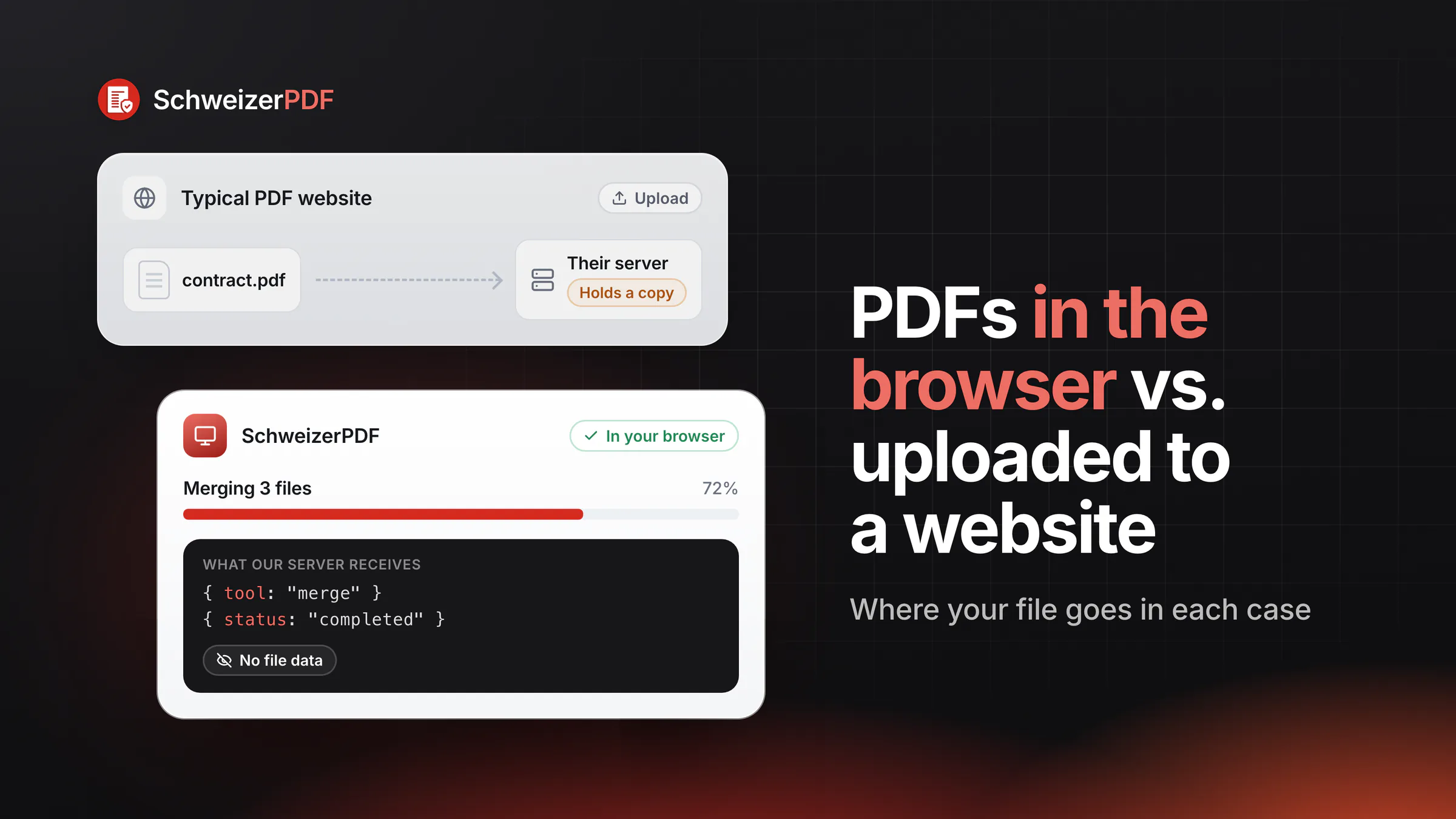
Free PDF websites ask for the upload first. Where a discharge letter goes, how long it stays and who can read it is not yours to decide.
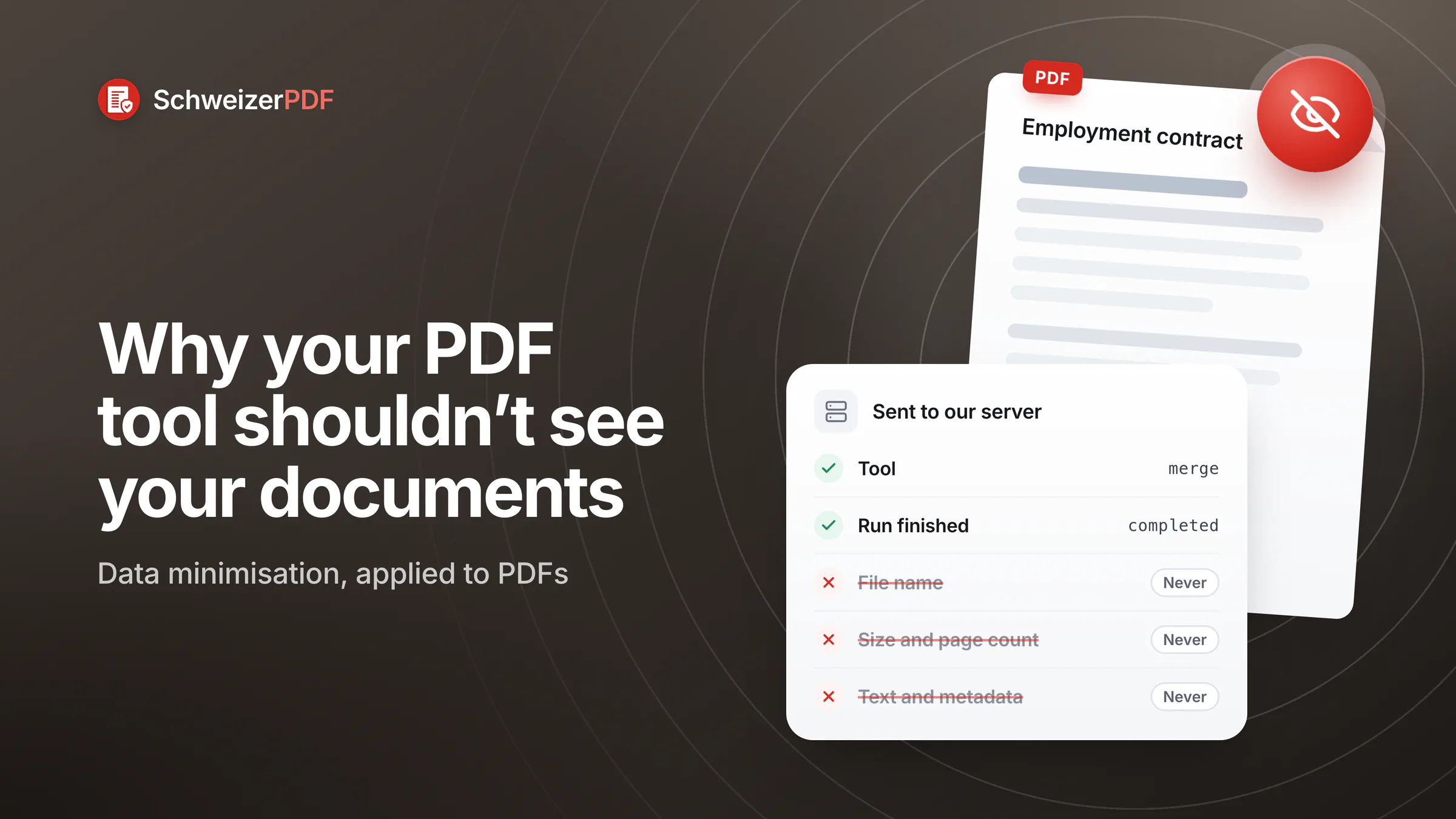
The file is processed in your browser. It is never transmitted, so there is nothing for us to store or read.
More than the insurer needs
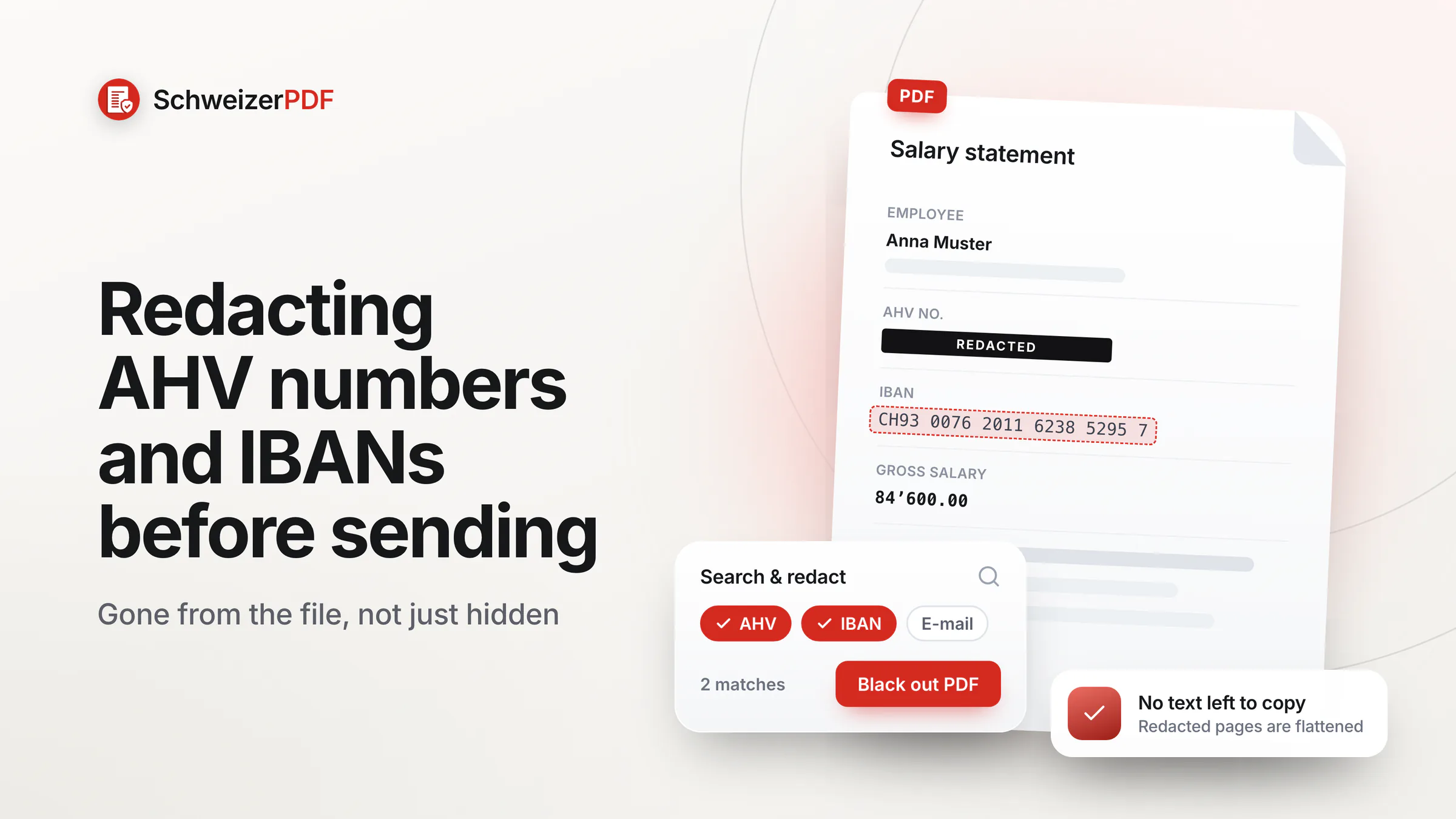
A report goes out in full. A black rectangle over a diagnosis hides nothing — the text underneath can still be copied, and the author sits in the metadata.
Black out (redact) removes the text itself and checks the result; Remove hidden data clears authors and comments.
Scans nobody can search
Incoming reports are scanned as pictures. Finding last year's lab result means scrolling through every page.
OCR turns the scan into searchable text, on the practice computer — the recognised text never leaves it.
Your documents
All of them contain health data. Each one needs a different tool — all of them are in the same app, and none of them leaves your computer.
Often scanned on arrival, then filed, forwarded or attached to a referral.
Your letter together with prior findings, images and the patient's own documents.
Received as PDFs from labs and institutes, sometimes in several parts that belong together.
Cost approvals, reports for health and accident insurers — with only the information that is needed.
Registration forms and consent declarations, filled in on screen and locked before filing.
Pictures of an insurance card or a paper report that a patient brings to the appointment.
In practice
Make incoming scans searchable
OCR turns scanned reports into text you can search by name or finding. Remove hidden data then clears metadata, comments and embedded files before filing.
Send only what the recipient needs
Search for names, AHV numbers or IBANs, review every match and black it out. The redacted text is gone, not hidden — check every page before it leaves.
Assemble the referral
Turn photos of paper documents into a PDF, merge them with your letter and prior findings, and compress the result for your e-mail system.
Protect it before it travels
Protect sensitive files with a password — encrypted on your computer — and share the password by phone or another channel.
Confidentiality, handled
Doctors and their auxiliaries — practice assistants included — work under professional secrecy (Art. 321 SCC). Health data is sensitive personal data under the nFADP (Art. 5 lit. c), and how patient records are kept is set by cantonal health law. Uploading a report to a PDF website hands it to a third party. With SchweizerPDF the file is processed in your browser and never transmitted — we do not receive it, so we cannot disclose it.
Your context
No disclosure to us. Our server learns that a tool ran and whether it finished — never the file, its name, its size or its pages.
OCR on the device. Text recognition runs in your browser with language data from our own server. The recognised text never leaves the computer.
Redaction you can check. Redacted pages are rasterised and verified: the blacked-out text can no longer be found or copied.
This page describes our product, not your professional obligations — please assess those yourself. A password-protected PDF does not replace your practice's secure e-mail; use both.
Pricing
Choose by how often you work with PDFs and whether you need redaction and OCR.
Free
CHF 0
To try it on a file without patient data first.
Start for freePro
RecommendedCHF 9/ month
When you scan, redact and forward reports every week.
Choose ProBusiness
CHF 29/ month
For the medical secretariat that handles PDFs all day.
Choose BusinessEvery plan processes files on your device. Cancel any time.
FAQ
Read more
Start free — nothing to install, nothing uploaded. Upgrade to Pro for redaction and OCR.
Processed on your device · No third-party trackers, no ads · Cancel any time