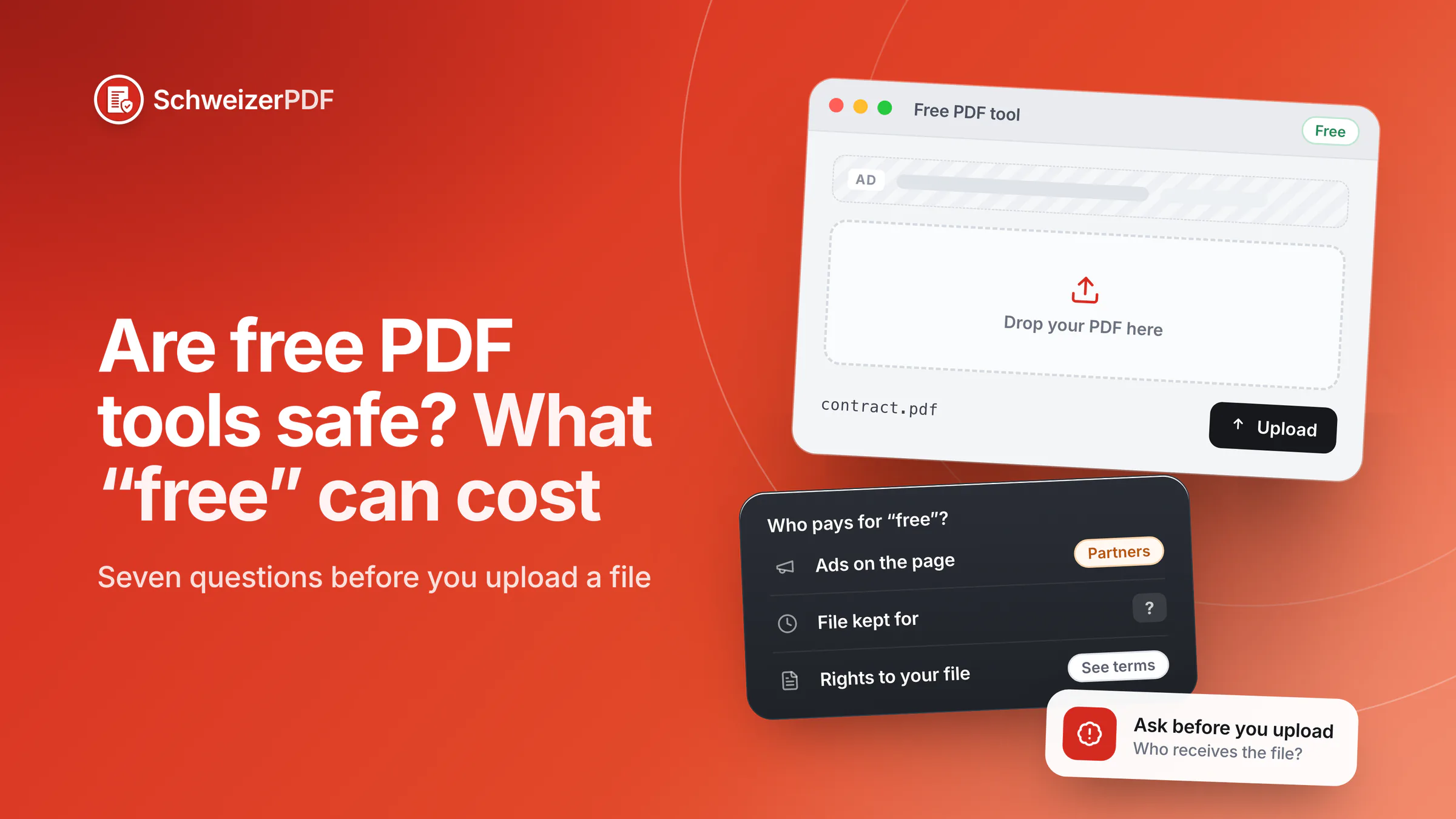
Free PDF tools are often perfectly fine — for a flyer, a menu or a public brochure. Whether a free PDF tool is safe for a contract, a payslip or a medical report depends less on its price than on four things: who receives the file, how long it is kept, where it is processed, and what else runs on the page while you use it. A free service is usually paid for in some other way, and knowing which way helps you judge what it means for your document.
This article describes business models in general terms. It does not assess any provider: many free services are run carefully and say clearly what they do. Terms, retention periods and locations differ and change, so check them for every service you consider.
How free online PDF tools are financed
Running PDF processing costs money: servers, bandwidth, storage, development and support. A service that charges nothing for it usually relies on one or more of these models:
- Advertising. Ads are shown around the tool. They are usually delivered by other companies whose scripts run on the page and may set cookies or measure visits.
- Upselling. The free version has limits — file size, number of files a day, watermarks on results, some tools only in a paid plan — and invites you to upgrade. This is the most transparent model.
- Data. Some services use usage data for analytics or marketing, or reserve rights over uploaded content in their terms, for example to improve their services. Whether that applies, and to what, is in the privacy policy and the terms — not on the start page.
- Sign-up and marketing. An account or an e-mail address may be required, and newsletters or offers may follow.
None of these models is wrong in itself. They simply mean that a confidential document can meet more parties than the one you meant to use: the provider, its hosting and its sub-processors, and the companies whose scripts run on the page.
Are free PDF tools safe? Seven questions to ask before you upload
- Who receives the file? Is it uploaded to a server, or processed in your browser? An upload means a copy exists outside your control, at least for a while.
- How long is it kept? Is there a stated retention period, and does it also cover backups and logs?
- Where is it processed? In Switzerland, in the EU or elsewhere? For personal data, a transfer abroad comes with conditions under Swiss data protection law.
- Who else is involved? Hosting providers, storage, support tools — a list of sub-processors tells you who may handle the file.
- What do the terms say about your content? Look for a licence or usage rights over uploaded files, and what they cover.
- Is an account needed — and what does it store? E-mail, usage history, file names? An account is not a problem in itself; what is kept with it matters.
- What else runs on the page? Ads, analytics and other third-party scripts run in the same page as the tool.
For documents with personal data, the Swiss Federal Act on Data Protection (FADP/nDSG) allows assigning processing to a provider only under conditions — among them that no duty of confidentiality prohibits it and that the provider can ensure data security (Art. 9 FADP). Professions bound by secrecy have further questions to ask; they are covered in professional secrecy and online PDF tools.
Which documents a free PDF website is fine for
| Document | Example | Before you use a free upload-based tool |
|---|---|---|
| Public material | Flyer, price list, published brochure | Usually no concern — the content is public anyway |
| Internal, not personal | Meeting agenda, product sheet draft | Check retention and the terms on usage rights |
| Personal data | CV, rental application, ID copy | Check who receives the file, where and for how long |
| Sensitive or secret | Payslip with AHV number, medical report, client file | Ask whether the document has to leave your device at all |
How to check a free PDF site yourself
- 1
Read the privacy policy
Search it for the words that matter: retention or deletion, processors or sub-processors, countries, and “improve our services”. A clear policy names how long files are kept and who handles them.
- 2
Read the terms of use
Look for what the service may do with uploaded content — a licence, usage rights, or a statement that it claims none.
- 3
Look at the cookie banner
Open the settings rather than accepting. A long list of partners or vendors tells you how many companies may be present on the page. Declining should be as easy as accepting.
- 4
Watch the network log with a test file
With a harmless PDF and your browser's network tab open, an upload shows up as a request about as large as the file. The step-by-step check is in processing PDFs in the browser vs. uploading them.
- 5
Check what the account holds
If you sign up, see what the account page or the policy says about stored history, file names and how to delete the account.
Why ads and trackers on a PDF page matter
A script on a web page runs with the same access as the page itself. When a PDF is open in that page — uploaded or processed in your browser — a third-party script there can technically reach it. Legitimate scripts have no reason to; but the more companies run code on the page, the more you rely on all of them. A browser-based tool is therefore only as private as the page it runs on.
That is why SchweizerPDF loads no advertising, no third-party analytics and no third-party scripts, fonts or CDNs, and its Content Security Policy tells your browser to connect only to our own server. Our own visit statistics go to that server too and record nothing from your files. What that does not cover: browser extensions with access to every website can still read the page. Details are on the security page.
Why SchweizerPDF has paid plans — and a Free plan
SchweizerPDF is paid for by its subscriptions. The tools run in your browser, and per run our server receives only the tool id and the outcome — not the file, its name or its content (where your files are processed). There is no document data to finance anything with, and no advertising on the pages.
We do store some data: your account, sessions, the usage ledger, billing records, e-mail logs and security logs — listed in what we store. The Free plan has honest limits, too:
- An account is needed — plans and limits live on our server, and you need a connection to sign in and count runs (create an account).
- Limits apply — 15 operations a month, files up to 10 MB, up to 10 pages and 3 files per run.
- Not every tool is included — which plans include which tools is shown on the pricing page.
- No credit card — the Free plan does not ask for payment details.
Frequently asked questions
Are free online PDF tools safe for confidential documents?
It depends on where the file goes, not on the price. For confidential files, prefer a tool that does not receive the document at all, or one whose retention, location and sub-processors you have checked and accepted.
Does “files are deleted after an hour” mean my file is gone?
It describes the provider's process. You cannot verify it from outside, and it may not cover backups or logs. For a file that must not be copied at all, the safer answer is a tool that never receives it.
Is a free browser-based PDF tool automatically safe?
Not automatically. The file stays on your device, but scripts from other companies on the same page could still reach it. Check what the page loads — the network log and the cookie banner show it.
Why does SchweizerPDF's Free plan need an account?
Because plans and monthly limits are kept on our server. The account holds your e-mail, your plan and a record of which tool ran and whether it finished — never your documents.
Why the tool should not see the document in the first place is explained in why your PDF tool shouldn't see your documents; all tools are in the list of tools. Teams that handle personal files, such as HR departments, can create a free account and see for themselves what the browser sends.
General information
This article describes business models of free online services in general terms, not named providers, and is not legal advice. The description of the FADP is simplified. Read the terms and privacy policy of any service before you use it for confidential documents, and ask a qualified professional where legal duties apply.