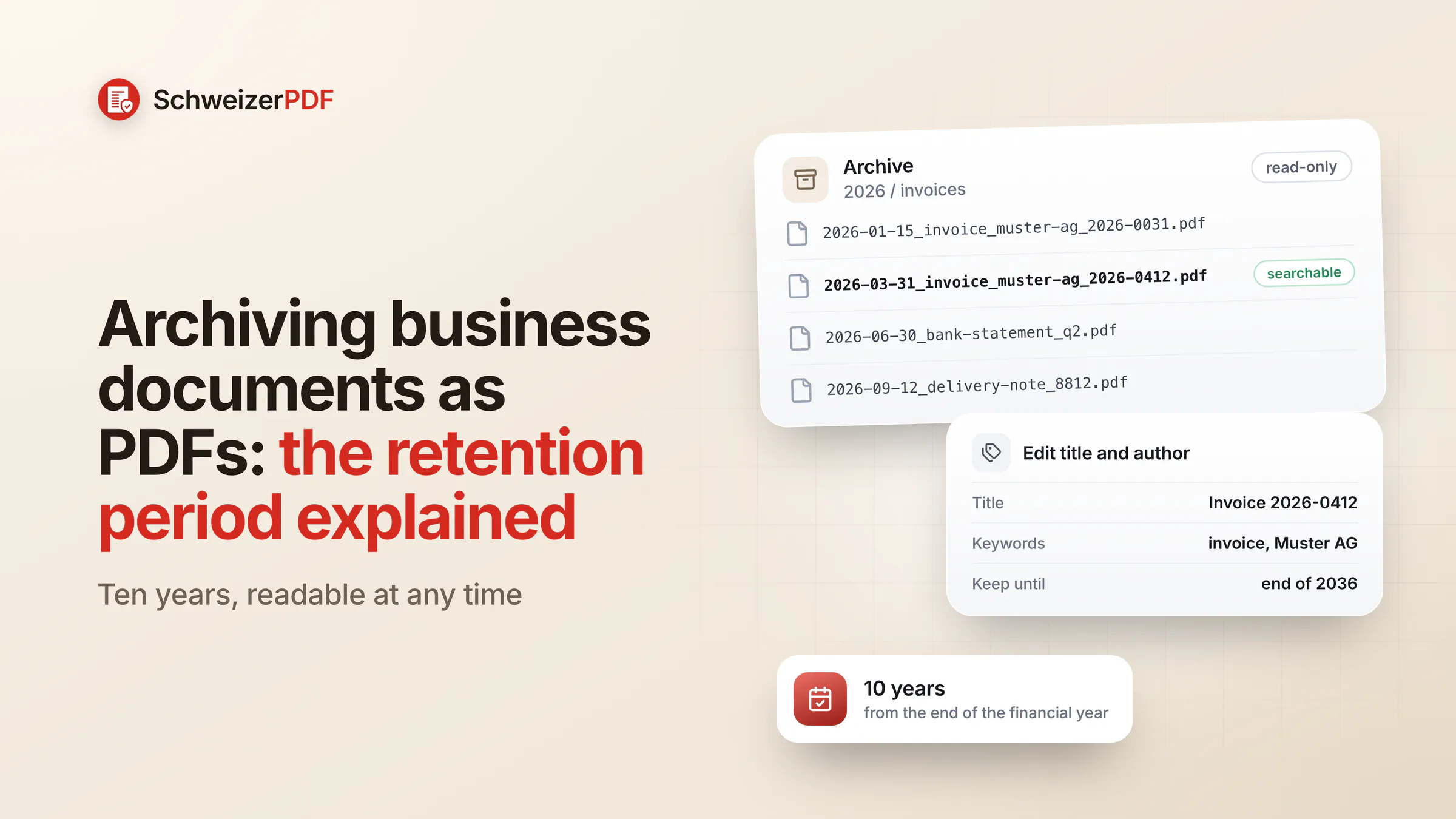
In Switzerland, accounting records and vouchers, the annual report and the audit report must be kept for ten years, counted from the end of the financial year (Art. 958f CO). Records and vouchers may be kept electronically — as PDFs, for example — provided they still match the underlying transactions and can be made readable again at any time.
A PDF is a good container for that, but the law asks more of the archive than of the file format. This article explains the retention rule, what the ordinance on keeping business records expects, where PDF/A fits in, what SchweizerPDF can help with — and what it does not do.
How long must business documents be kept in Switzerland?
The ten-year rule of Art. 958f CO covers the accounting records (ledgers and journals), the accounting vouchers (invoices, receipts, bank statements, contracts that back a booking), the annual report and the audit report. The period starts when the financial year ends: for a financial year closing on 31 December 2026, the ten years run until the end of 2036. The annual report and the audit report must also be kept in written form and signed — a PDF copy alone does not replace them.
Other rules can require longer. For businesses registered for VAT, the VAT Act asks that records be kept until the tax claim is time-barred, and documents needed for certain VAT corrections on immovable property for 20 years (Art. 70 para. 3 VAT Act). Sector rules, employment law or pending disputes can add their own periods. Which ones apply to you is a question for your fiduciary or tax adviser.
What the GeBüV expects of a PDF archive
The Federal Council's ordinance on keeping and retaining business records (GeBüV, in German, French and Italian) sets the principles. In short:
| Principle | What the ordinance says (simplified) | What it means for PDFs |
|---|---|---|
| Integrity (Art. 3) | Records must be kept so they cannot be changed without the change being detectable. | Store final files read-only, keep originals as received, and note any later change. |
| Documentation (Art. 4) | Organisation, responsibilities and procedures are described in working instructions and kept as long as the records. | Write down your naming, folder and scanning rules. |
| Availability (Art. 6) | Until the end of the period, an authorised person can inspect and check them within a reasonable time. | Files must be findable and open without a password nobody remembers. |
| Organisation and archive (Art. 7–8) | Archived information is separated from current information, inventoried, protected against unauthorised access; access is logged. | A separate archive location with restricted, logged access. |
| Information carriers (Art. 9) | Unalterable media, or alterable media with integrity techniques (such as digital signatures or time stamps) and documented procedures. | A PDF on an ordinary drive is on an alterable medium — the system around it matters. |
| Checks and migration (Art. 10) | Integrity and readability are checked regularly; data may move to other formats if it stays complete, correct and readable; each migration is logged. | Converting scans or formats is allowed, but record it. |
None of this is solved by a file format alone. A PDF archive meets these principles through where the files are stored, who can change them and how the procedures are documented.
PDF or PDF/A for long-term archiving?
PDF/A is the archiving profile of PDF, standardised as ISO 19005. It restricts the format so a file can still be displayed the same way in many years: fonts embedded, no external content, no encryption, no scripts. The GeBüV does not prescribe a format, but PDF/A is a common way to address readability over long periods.
SchweizerPDF does not convert to PDF/A
SchweizerPDF neither creates nor validates PDF/A files. PDF details shows under Standards whether a file claims to be PDF/A — the claim comes from the file itself and is not verified. Changing a PDF/A file with our tools can produce a result that no longer conforms. If your archive needs PDF/A, use software built for it or ask your IT provider.
Preparing PDFs for the archive with SchweizerPDF
What the tools can do is make files easier to find, read and handle before they go into your archive. Everything runs in your browser; nothing is uploaded.
- 1
Check the file with PDF details
See the pages, whether they are scanned or carry text, whether the file is encrypted or digitally signed, and which standard it claims. A password-protected file is a risk in an archive: someone must still be able to open it in ten years.
- 2
Make scans searchable with OCR
Make scans searchable (OCR) adds an invisible text layer to scanned pages, so you can search the archive later. The page image stays as it was. How it works: OCR for scanned PDFs.
- 3
Combine what belongs together
Merge PDF joins, say, an invoice, its delivery note and the payment confirmation into one file, with one bookmark per file.
- 4
Describe the file with Edit title and author
Set a title, the author, a subject and keywords — for example
invoice 2026-0412 Muster AG— and, if useful, a custom property such as the end of the retention period. Many search tools and file managers can show these properties. - 5
Compress with care
Compress PDF makes large scans smaller. For archive copies, prefer Light or check that small print stays legible: compressing without losing quality.
- 6
Repair damaged files
Repair PDF fixes files that no longer open properly and keeps everything that can be recovered. Keep the damaged original until you have checked the result.
Keep what you received as you received it
Every tool writes a new file. Each of these steps changes the PDF, and a change invalidates a digital signature — the app asks first. For documents you received digitally, such as a signed contract or an electronic invoice, archive the original unchanged and use the processed copy for work. Why: electronic signatures and PDFs.
File names and folders that still make sense in ten years
- Date first, in ISO order:
2026-03-31_invoice_muster-ag_2026-0412.pdfsorts correctly in any folder. - Plain characters: letters, digits and hyphens. Umlauts, accents and special characters can break when files move between systems.
- Folders by financial year, then by type:
2026/invoices,2026/bank,2026/contracts. When a year expires, the whole folder can be reviewed at once. - No personal data in the name: no AHV numbers, no health details. The name shows up in lists, backups and e-mails.
- Archive apart from work: move final files to an archive location with restricted write access, and keep working copies elsewhere.
- Write the rules down: one page on naming, folders, scanning and who may change what is the documentation the ordinance asks for.
Deleting documents at the end of the retention period
When ten years have passed, check whether another rule or a pending matter still requires a document. If not, delete it — and remember the copies in backups, e-mail and shared folders. For documents with personal data this is not optional: under the Swiss Federal Act on Data Protection (FADP/nDSG), personal data must be destroyed or anonymised as soon as it is no longer needed for its purpose (Art. 6 FADP). The other FADP principles for documents with personal data are summarised in the FADP checklist for PDFs.
SchweizerPDF adds nothing to that list: files are processed in your browser and never stored on our server. Per run, the server receives only the tool used and the outcome — see the security page.
Frequently asked questions
Can I destroy paper originals after scanning them?
The law allows records and vouchers to be kept electronically if they match the transactions and stay readable. The annual report and the audit report must be kept in written, signed form, and some documents may need their paper original as evidence. Ask your fiduciary before you destroy paper.
Does SchweizerPDF create PDF/A files?
No. It does not convert to PDF/A or validate it. PDF details only shows whether a file claims to be PDF/A.
Does OCR change the archived document?
OCR adds invisible text and leaves the page images as they are, but the result is a new file. If the original scan is the record, keep it and archive the searchable copy alongside.
When does the ten-year period start?
At the end of the financial year the document belongs to, not on the date of the document. An invoice from March 2026 in a financial year ending in December 2026 is kept until the end of 2036.
Keep originals unchanged, make copies searchable and well named, and document how your archive works. The tools for this are under Details & extras and Optimise; text recognition is explained in OCR. Ready to try it? Create a free account.
General information
This article describes Swiss retention rules in simplified form and explains how the SchweizerPDF tools work; it is not legal or tax advice. Retention periods and archiving requirements depend on your business, your sector and other laws — for your own obligations, ask a fiduciary, tax adviser or lawyer.