The Swiss Federal Act on Data Protection (FADP/nDSG) does not mention PDFs. It governs the processing of personal data — and every time you scan, merge, send, store or delete a payslip, a CV or a copy of an ID, you process personal data. In practice, the FADP's principles come down to a handful of habits: send only what the recipient needs, remove what they do not, protect what travels, prefer tools that never receive the file, delete copies you no longer need and know where your documents are.
Below, each principle becomes concrete steps for everyday documents in an SME. What an online PDF tool itself should know about your files is covered in why your PDF tool shouldn't see your documents; here the focus is on the documents and how you handle them.
Why the FADP applies to everyday PDFs
The FADP defines personal data as any information relating to an identified or identifiable natural person, and processing as any handling of it, whatever the means — collecting, storing, using, modifying, disclosing, archiving, deleting (Art. 5). A PDF is simply one of those means. The revised act has been in force since 1 September 2023; the official text (SR 235.1) is on fedlex.admin.ch. The supervisory authority for private companies is the Federal Data Protection and Information Commissioner, the FDPIC, which also publishes guidance for businesses.
| Everyday document | Personal data it typically contains | Why it deserves care |
|---|---|---|
| Salary statement or payslip | Name, AHV number, salary, IBAN | Financial details; often sent by e-mail |
| Job application | CV, references, certificates, sometimes a photo | Shared with several people during selection |
| Rental application | ID copy, proof of income, debt-collection extract | Goes to a third party outside the company |
| Medical certificate, accident report | Health data | Sensitive personal data under the FADP |
| Client contract or offer | Names, addresses, sometimes bank details | Circulates in drafts, versions and copies |
Proportionality and purpose: send only what is needed
Processing must be carried out in good faith and be proportionate, and personal data may only be collected for a specific purpose the person can recognise and processed further only in a way compatible with it (Art. 6). For documents, this becomes one question before every send: what does the recipient need for this purpose? An insurer handling an accident needs the accident report, not the whole personnel file. A landlord checking income rarely needs the AHV number or the IBAN on a payslip.
- Send pages, not files. With Extract pages you create a new PDF with only the pages the recipient needs; Remove pages deletes the ones they do not.
- Remove values, not just pages. Black out (redact) removes text and images for good — marked pages become images, and every mark needs your review. A black box drawn over the text does not remove it; see redaction mistakes and the step-by-step guide to redacting AHV numbers and IBANs.
- Remove what nobody sees. Author, comments, attachments and earlier versions travel with the file. Remove hidden data cleans them in one pass — see hidden data in PDFs.
Data security appropriate to the risk
The controller and the processor must ensure data security appropriate to the risk through suitable technical and organisational measures, and the measures must make it possible to avoid breaches of data security (Art. 8); minimum requirements are set out in the Data Protection Ordinance. The effort should match the risk: a payroll export for the whole staff calls for more care than a single delivery note.
- Protect files that travel by e-mail. Protect PDF adds an open password; share it through another channel, such as a phone call or a text message. How it works and where it stops: PDF password protection explained; the full routine before you send: sending confidential documents by email.
- Check the recipient before you press send. A misaddressed e-mail with personal data can be a breach of data security. If it is likely to result in a high risk for the people concerned, the controller must report it to the FDPIC as quickly as possible (Art. 24).
- Mark copies you hand out. A watermark such as “Copy for Muster AG” shows where a copy came from — a label, not a lock. See watermarking confidential PDFs.
- Keep your devices trustworthy. Local processing does not protect against a compromised computer or a browser extension that can read every page.
Sensitive personal data: health, proceedings, social assistance
Some categories are sensitive personal data under the FADP: among them data on health, on religious, philosophical or political views, genetic and biometric data, data on administrative or criminal proceedings and sanctions, and data on social assistance measures (Art. 5). Where consent is required for processing them, it must be given explicitly (Art. 6). Medical certificates, disability insurance correspondence or a criminal record extract in an application file all fall into this group.
In practice: keep such documents out of general folders and e-mail threads, share them with as few people as possible, redact what the recipient does not need and protect what you send. HR departments handle these documents more than most — see PDF tools for HR. If you are bound by professional secrecy, further rules apply: professional secrecy and online tools.
Privacy by design: choose workflows that make fewer copies
The controller has to arrange processing, from the planning stage, so that the principles are respected, and to make sure by suitable default settings that processing is limited to the minimum the purpose requires (Art. 7). For documents, “by design” means choosing workflows in which fewer copies arise in fewer places. Uploading a payslip to a PDF website to compress it creates a copy on someone else's server — the provider then usually becomes a processor (Art. 9) and, if its servers are abroad, the rules on disclosure abroad apply (Art. 16). A tool that processes the file in your browser avoids that copy; the comparison of browser and upload explains the difference.
“By default” can be as simple as a team rule: every PDF that leaves the company goes through Remove hidden data first, and every file with an AHV number is either redacted or protected.
Retention, deletion and access requests
Personal data must be destroyed or anonymised as soon as it is no longer needed for the purpose of the processing (Art. 6). Other laws can require you to keep certain documents for a set period, such as business records — see archiving business documents as PDFs; the FADP principle covers everything beyond that. The hard part with PDFs is not the original in the filing system — it is the copies: the attachment in the sent folder, the scan in the scanner's inbox, the file in Downloads, payslip_final_v3.pdf on the desktop.
- Empty the Downloads folder and the scanner's output folder regularly.
- When an application process ends, delete or return the documents of candidates you did not hire, unless you have a reason and their agreement to keep them.
- Prefer tools that keep no copy. In SchweizerPDF the result exists in the browser tab until you reload or close it; the file you download is the only copy, and it is yours to manage.
Access requests: know where your documents are
Any person may ask a controller whether personal data about them is being processed. They are entitled, among other things, to the data itself, the purpose, the retention period and the recipients — as a rule free of charge and within 30 days (Art. 25). A former employee asking for “everything you have on me” is a realistic scenario for any SME.
Clear filing makes the answer far easier. A copy you hand out may contain other people's data; redaction can remove it, but what you must disclose is a legal question.
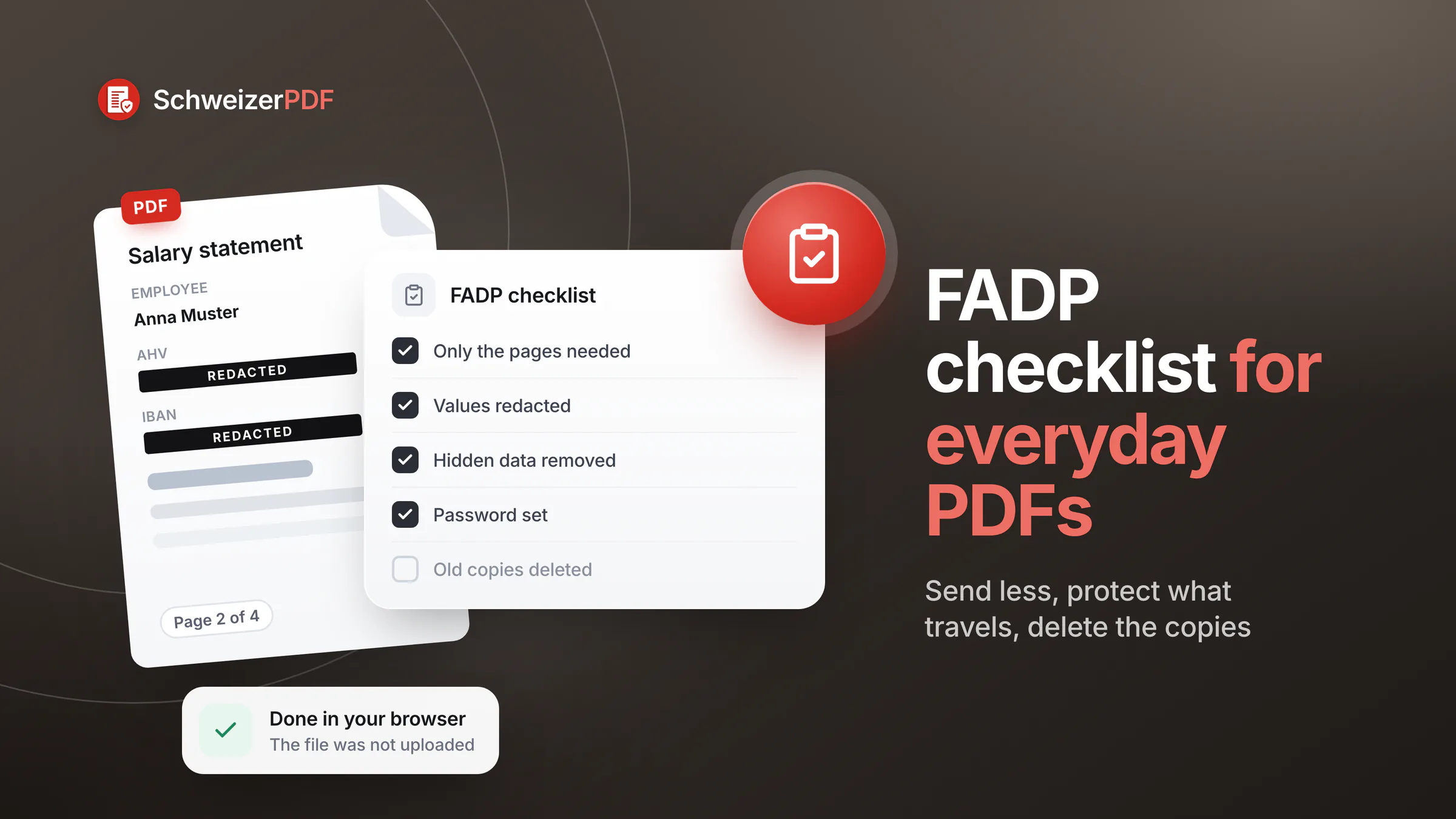
The FADP checklist for everyday documents
- Before sending: does the recipient need every page and every value for this purpose?
- Extract the pages they need; redact the values they do not, and review every mark.
- Remove hidden data — author, comments, attachments, earlier versions — before a file leaves the company.
- Protect files with personal data that travel by e-mail, and send the password through another channel.
- Use tools that process documents on your device rather than uploading them to an unknown service.
- Treat health data and other sensitive personal data with extra care and share it with as few people as possible.
- Delete copies you no longer need: downloads, scans, attachments, drafts.
- File documents so you can find them when someone asks what you hold about them.
Frequently asked questions
Does the FADP apply to a small business?
Yes. The FADP applies to private persons and companies that process personal data, whatever their size. Some duties allow exceptions for smaller companies — the Federal Council, for example, provides exceptions to the record of processing activities for companies with fewer than 250 employees whose processing poses only a small risk to the people concerned (Art. 12). The principles above apply to everyone.
Is a password-protected PDF enough to send a payslip by e-mail?
It is one sensible measure; whether it is appropriate depends on the risk. Combine it with a strong password shared through another channel, and send only the pages and values that are needed.
How long may we keep PDFs with personal data?
The FADP sets no single period: data must be deleted or anonymised once it is no longer needed for its purpose. Other laws can require longer retention for certain records. Define a period per document type and apply it to every copy, not just the original.
Every step in this checklist can be done in your browser, without uploading the document: browse the security tools, read where your files are processed and how Black out (redact) works, or see what we store on the security page. To start, create a free account.
General information
This article is general information about handling documents, not legal advice. The description of the FADP is simplified and does not cover every exception, the Data Protection Ordinance or sector-specific rules. Whether your measures are sufficient depends on your situation — for your own obligations, consult a qualified professional or the FDPIC's guidance.