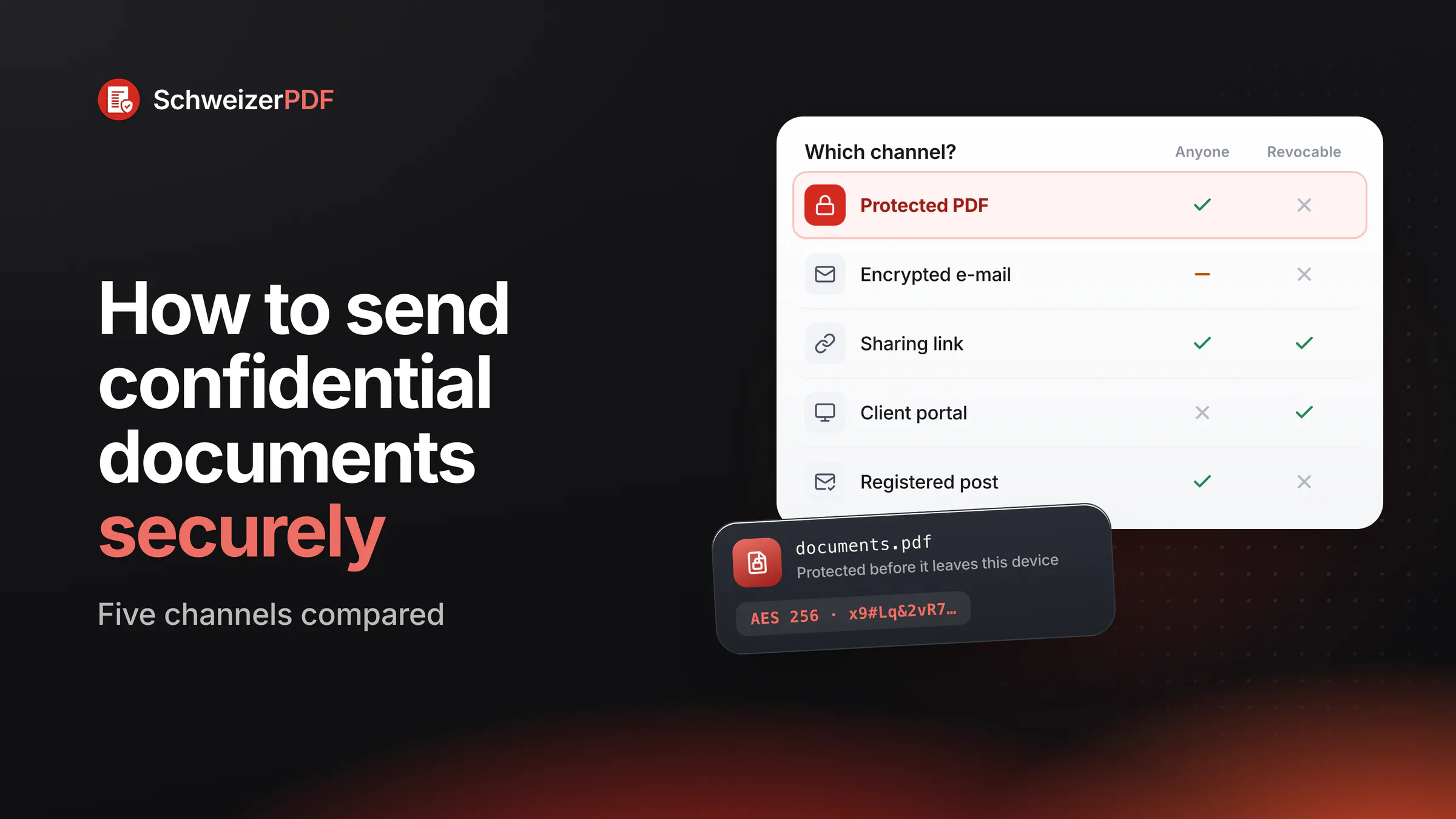
There is no single best way to send confidential documents securely — there is a best way for each situation. For a one-off document to anyone, a password-protected PDF with the password given by phone works without any setup. Between organisations that both use it, encrypted e-mail protects the whole message. Large files suit a protected file-sharing link with an expiry date, recurring exchange with the same clients a client portal, and originals or deadlines registered post.
This comparison sets the five side by side: who can read the document in transit and at rest, what the recipient has to set up, whether it works with anyone and whether you can take it back. It describes categories, not providers — features differ between services and change over time, so check them for any service you consider. How to prepare the file before it goes out is covered in sending confidential documents by email.
Five ways to send a confidential document
- Password-protected PDF attachment. The PDF itself is encrypted with an open password before it leaves your device and then travels as an ordinary e-mail attachment. The password goes by another route.
- Encrypted e-mail. Two families. Key-based encryption (S/MIME or PGP style) encrypts the message and its attachments on the sender's device for the recipient's key; only the matching private key can decrypt it. Provider-based encryption is offered by an e-mail provider or a gateway: the recipient typically receives a notification and reads the message on a web page after signing in or entering a code.
- Secure file-sharing link. The file is stored on a file-sharing service, and the recipient receives a link — ideally with a password, an expiry date or a download limit.
- Client portal. A web portal run by you or by a provider on your behalf. Clients sign in with their own account; documents are placed there and stay in one place.
- Registered post. Paper in a sealed envelope, with proof of dispatch and, depending on the service, of delivery.
Five channels compared side by side
| Password-protected PDF | Encrypted e-mail | File-sharing link | Client portal | Registered post | |
|---|---|---|---|---|---|
| Who can read it in transit | Nobody without the password — the file itself is encrypted | Key-based: only the recipient. Provider-based: depends on the service | Connection encrypted; whoever has the link, unless it needs a password | Connection encrypted; only signed-in users | Not encrypted — a sealed envelope |
| At rest | Encrypted in every mailbox, backup and download folder | Key-based: encrypted in the mailbox. Provider-based: on the provider's systems | Stored by the service; protection depends on its design and your settings | Stored in the portal behind its access controls | Paper at the recipient's; no digital copy unless it is scanned |
| Setup for the recipient | None — a common PDF reader and the password | Key-based: keys on both sides. Provider-based: a sign-in or a code | Open a link, perhaps enter a password | An account, created once | Sign for the letter or collect it |
| Works with anyone? | Yes | Key-based: only if both sides are set up. Provider-based: yes, with an extra step | Yes, unless their network blocks the service | Only with people who have an account | Yes, with a postal address |
| Revocation after sending | No — you can only withhold the password | Usually not; some provider-based services can withdraw access | Yes, until it is downloaded: delete the file or let the link expire | Yes: remove the document or the access | No |
| Typical use | One-off documents to clients, employees or authorities | Ongoing confidential correspondence between organisations | Large files or many files, one-off exchange | Recurring exchange with the same clients | Originals, signed contracts, notices where proof of delivery counts |
Two rows usually decide: works with anyone? and revocation. The channels that reach everyone without setup cannot be taken back once sent; the ones that can be revoked need the recipient to have an account, or a service to hold the file for you.
Where each channel is strong — and where it stops
- Password-protected PDF. Strong: no setup for the recipient, the protection travels with the file into every mailbox and backup, and with AES-256 and a long passphrase the content is well protected. Limits: the subject and the e-mail text are not covered, the recipient sees everything once the file is open, it cannot be recalled, and it is only as good as the password and the way it is shared. Details in password-protecting a PDF.
- Encrypted e-mail. Strong: it covers the message text as well as the attachments and fits naturally into ongoing correspondence. Limits: key-based encryption works only when both sides have set it up and look after their keys; with provider-based encryption you rely on how that provider handles the message, and recipients face an extra step.
- File-sharing link. Strong: no size problem, an expiry date, and the option to delete the file before it is downloaded. Limits: a third party stores the file — something to assess like any upload (browser vs. upload compared); a link without a password opens for anyone who obtains it, including from a forwarded e-mail.
- Client portal. Strong: one place for documents, access you can withdraw, often a record of who opened what, and no copies spread across mailboxes. Limits: it has to be set up and run, each client needs an account, and its protection depends on how it is operated. It pays off for regular counterparts, not for a one-off letter.
- Registered post. Strong: proof of dispatch and delivery, independent of anyone's IT, and accepted where an original is required. Limits: it is slow and not encrypted — whoever holds the envelope can open it — and once the recipient scans the letter, digital copies exist anyway.
Decision guide: which channel for which situation?
- Must the recipient not see some parts? No channel solves that. Redact or remove pages first — see protect, redact or remove — then choose a channel.
- Does an original or proof of delivery count? Registered post, perhaps with a protected PDF by e-mail as a working copy.
- Do you exchange documents with this person regularly? A client portal, or encrypted e-mail if both sides already use it.
- Is the file too large for e-mail, even after compression? A file-sharing link with a password and an expiry date — or send only the pages needed (PDF too large for email).
- A one-off document to someone without special setup? A password-protected PDF, with the password by phone or text message. This covers many everyday cases: a payslip for an employee, a contract for a client, a report for a patient.
Your own rules come first: professional secrecy, client contracts or a sector standard may specify the channel; what professional secrecy covers is outlined in professional secrecy and online tools. Law firms, for example, often work under such rules — see SchweizerPDF for law firms.
Combining channels: protect the file before it leaves your device
The channels are not mutually exclusive. A password-protected PDF can travel over any of them: behind a sharing link, the service then holds only an encrypted file; attached to an encrypted e-mail, it adds a second layer for a particularly sensitive document; for a monthly routine, a passphrase can be agreed once by letter and the files sent by e-mail. Protecting the file is the one measure that does not depend on the channel.
Whatever the route, prepare the document first: fewer pages, redaction, no hidden data, the password last. Protect PDF, Black out (redact) and Remove hidden data run in your browser — the unprotected original stays on your device, and per run our server receives only the tool id and the outcome, as the security page explains. The options are described in Password-protect a PDF.
Frequently asked questions
Is a password-protected PDF as secure as encrypted email?
They protect different things. A PDF with an AES-256 open password and a long passphrase keeps the attachment's content well protected, but not the subject or the text of the e-mail. Encrypted e-mail covers the whole message but needs setup on both sides or trust in the provider. For the document itself, the PDF password is strong protection when the password is shared separately.
Are file-sharing links safe for confidential documents?
That depends on the service and your settings: a password, an expiry date, and what the service itself can read. If you protect the PDF before you upload it, the service stores only an encrypted file.
Is registered post safer than email?
It has different strengths: proof of delivery and no copies in mailboxes, but no encryption — anyone holding the letter can read it. For an original it remains the usual route; for a working copy, a protected PDF is faster.
Does Swiss law prescribe a channel?
The Swiss Federal Act on Data Protection (FADP/nDSG) does not name one. It asks for data security appropriate to the risk, through technical and organisational measures (Art. 8 FADP). Professional rules, contracts or sector standards may ask for more — check those that apply to you.
Many everyday cases start with a well-prepared, password-protected PDF. You will find Protect PDF among the security tools — create an account to try it in your browser.
General information
This comparison describes categories of channels in general and simplified terms, not named providers; features and protection differ between services and change over time. It is not legal or IT security advice. Whether a channel suits your documents is your decision — for specific requirements, ask a qualified legal or IT security professional.